

DashTab™ MINI 7 - Universal Car Head Unit + BONUS Reverse Parking Camera
DashTab™ MINI 7 - Universal Car Head Unit + BONUS Reverse Parking Camera
Couldn't load pickup availability
Transform Your Car Without The Luxury Price Tag
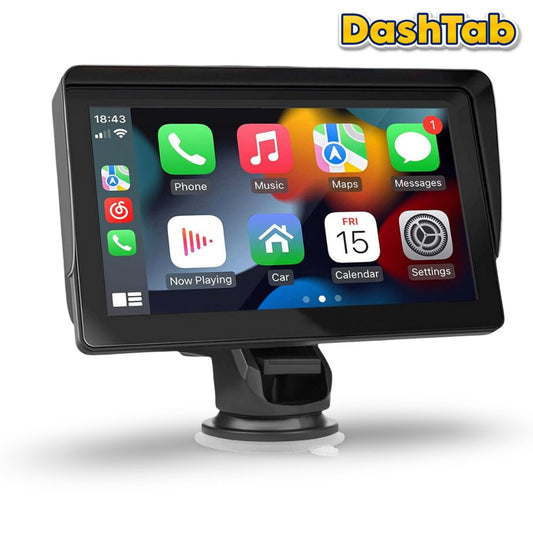
Still stuck with crackly radio and tangled cords? It’s time to upgrade your ride - without upgrading your car. The DashTab Mini In-Car Touchscreen Infotainment Unit brings modern convenience to any vehicle, offering wireless Apple CarPlay, hands-free calling, and crystal-clear navigation at your fingertips. Why spend thousands of dollars on a new car when you can revolutionise your driving experience for a fraction of the cost?

Effortless Installation. Fits Any Vehicle
Upgrade your vehicle in minutes with the DashTab Mini - compatible with most cars, trucks, SUVs, RVs, and pickups. Easily plugs into the cigarette lighter port for a quick, no-fuss setup - no need to hire an automobile technician or to replace your factory-fitted car stereo. Enjoy enhanced connectivity without the hassle.

Apple CarPlay & Android Auto Compatible
Easily link your smartphone (wired or wirelessly) to the DashTab Mini's display for hands-free calling, music playback, and voice-controlled access to maps for navigation and live traffic updates - making every drive safer and more convenient.

DashTab Mini Features & Benefits
✅ Upgrade Your Car With An Easy Low Cost Solution
✅ Plays Audio Through Existing Car Speakers
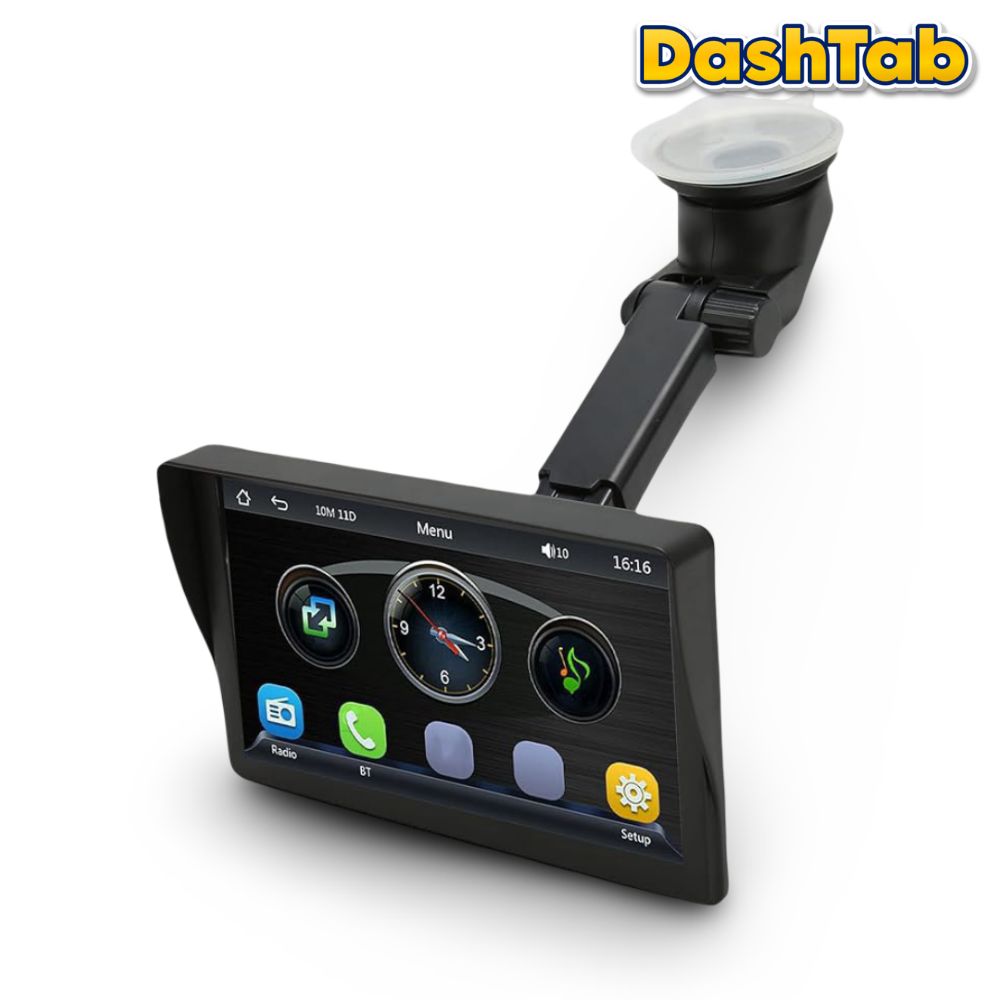
✅ Adjustable Car Mount To Suit All Vehicles
✅ Bluetooth Connectivity
✅ Apple CarPlay & Android Auto Compatible
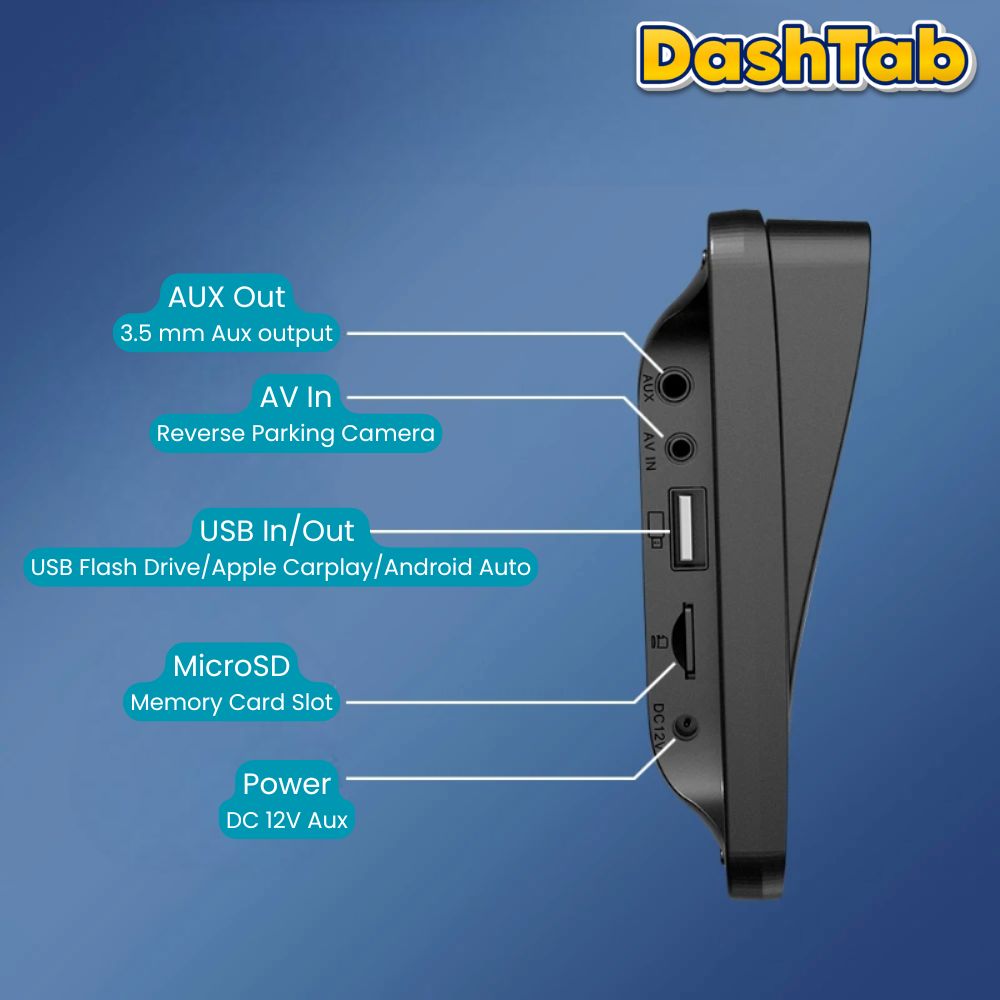
✅ Charge Your Phone Via USB
✅ Reverse Parking Camera For Easy Parking
✅ Install Everyday Apps Like Spotify, Waze & WhatsApp

Flexible Audio Playback Options
Enjoy clear sound through the DashTab's built-in speakers, or enhance your audio experience by connecting to your car stereo - Simply transmit sound via the integrated FM transmitter by matching radio frequencies, or use the AUX output on the DashTab to connect directly to your car’s AUX input for a stronger, more immersive sound.

Park Like a Pro, Every Time
The reverse parking camera automatically activates when you reverse your vehicle, showing a clear rear view on the DashTab Mini's screen so you can park perfectly every time - no more worries about scratches, dents, or hitting other cars.

What's In The Box?
1 x DashTab Mini 7" Head Unit
1 x Cigarette Lighter Power Cord
1 x Suction Cup Holder
1 x Instructions Manual
1 x Bonus Reverse Parking Camera
1 x Reversing Parking Camera Power Cord
1 x Video Cable For Reverse Parking Camera
1 x Reverse Parking Camera Extension Cable
🛠️ Technical Specs
Product Type: Portable CarPlay/Android Auto Digital Car Touchscreen (With Sunshade)
Display Resolution: 1024px x 600px
Screen Size: 7 "HD
Working Voltage: 12~24V
Working Temperature:- 10~60 ℃
Built-In Speaker:Yes
Memory Card Support: Supports upto 128GB MicroSD Card (Not Included)
Reversing Parking Video: Yes
Audio Formats Supported: MP3, AAC, APE, OGG, M4A, RAWAV
Video Formats Supported: H263, H264, H265, DIVX, HD/, VI, FLV, MKV, MPEG, MP4, WMV9NC, ASF, TS, QT
Image Formats Supported:JPEG, PNG, BMP, GIF, TIFF
Languages Supported: English, Chinese, Spanish, Portuguese, Russian, German, French, Polish, Turkish, Arabic, Hebrew, Italian, Czech, Japanese
🚚 Delivery Info
Enjoy FAST & FREE delivery on all orders across Australia. Our typical delivery time is 5-10 business days. Depending on your location, you may receive your order sooner. Express Shipping is available for this product at checkout - Additional charge applies.




You may also like...
-
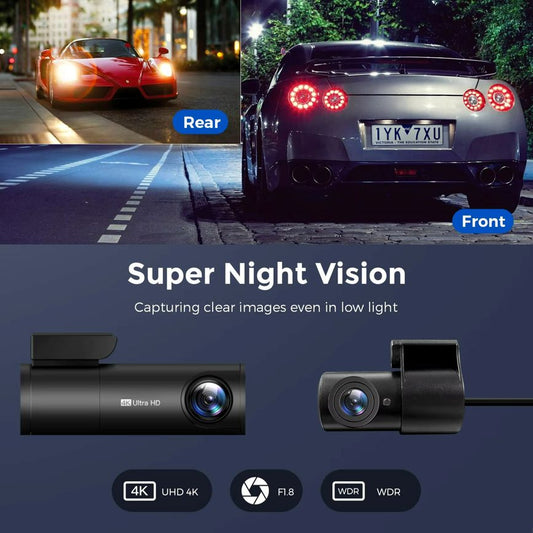
Dual Channel Dashcam - 4K UHD Front + Full HD 1080P Rear
Regular price From AUD $198.99Regular priceUnit price perAUD $398.00Sale price From AUD $198.99CLEARANCE -
DashTab™ MINI 7 - Universal Car Head Unit + BONUS Reverse Parking Camera
Regular price From AUD $199.00Regular priceUnit price per -
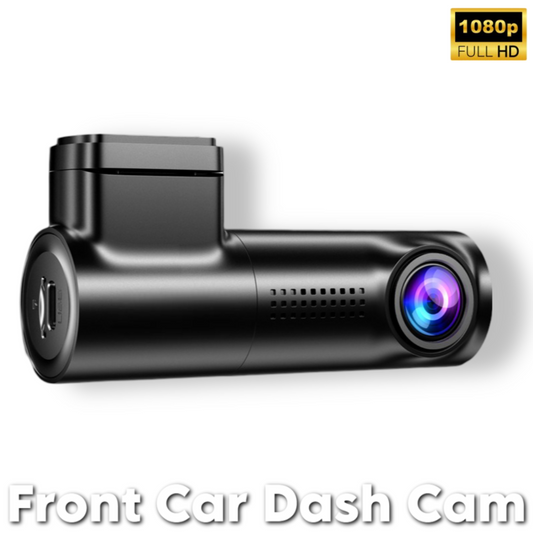
Front Dashcam Set - Full HD 1080P
Regular price From AUD $149.00Regular priceUnit price per